

Free Photo Editing Apps for Fanvue Creators
The best free photo editors for Fanvue creators, checked on the makers' own sites in October 2026, plus whose content rules ban explicit edits.
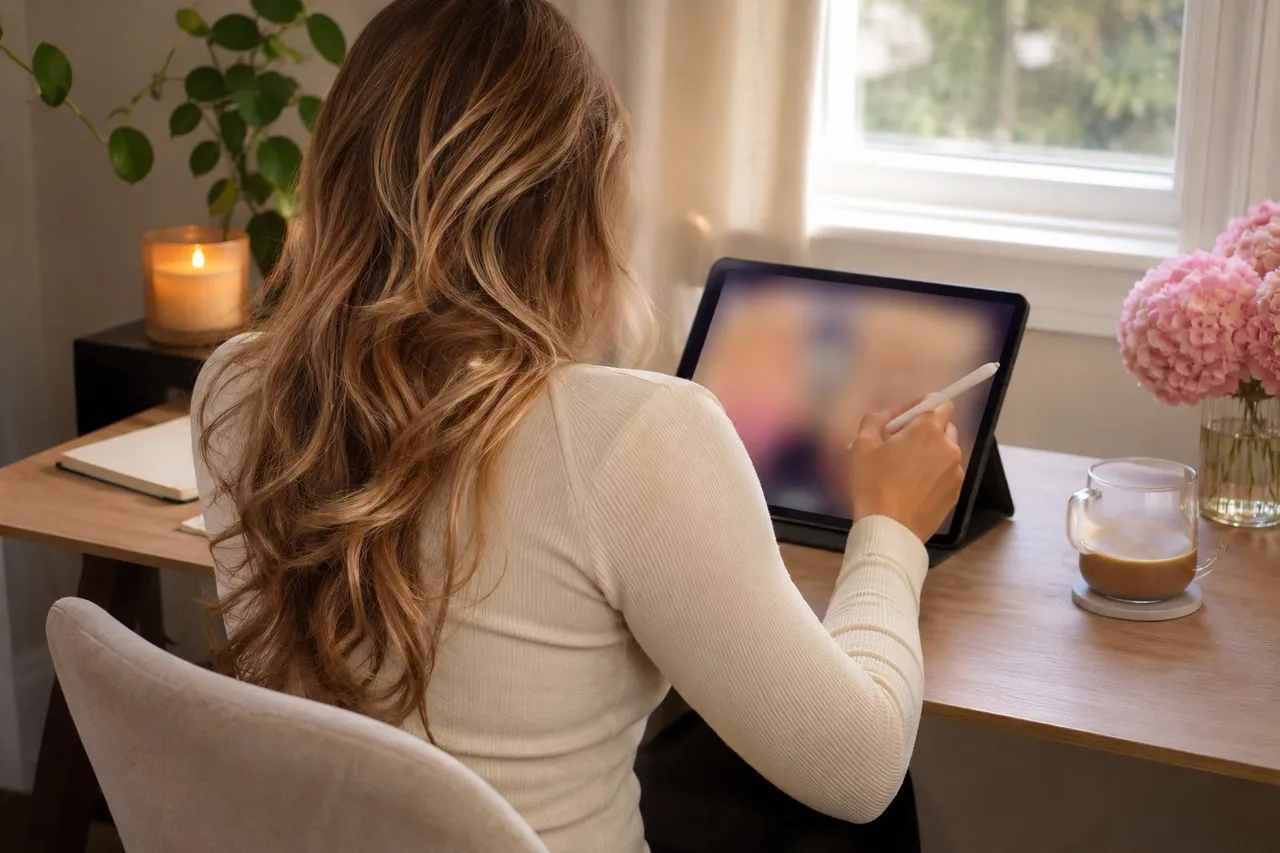
Good free photo editing apps for Fanvue creators include Snapseed, which is fully free with healing and RAW tools, your phone's built-in Apple Photos or Google Photos editor, Lightroom's free tier, Photopea in the browser and GIMP on desktop. Use Canva only for safe-for-work promo graphics: its Acceptable Use Policy bans sexually explicit uploads.
A little editing goes a long way: straighter lines, brighter skin tones, a stray hair tie gone from the bedsheet. You don't need to pay for it. We checked each of these apps on its maker's own website or app store listing on October 20, 2026. Features change, so check the listing before you download.
💜01. What's the best free photo editor on a phone?
Snapseed, from Google, is our first pick because it's genuinely free. Its app store listing says it has no subscriptions, purchases, ads or watermarks. It runs on iPhone and Android, and Google lists healing to remove unwanted objects, smart masking to isolate a subject or background, batch editing and RAW support.
Your phone's built-in editor is the next stop. Apple's iPhone User Guide describes adjusting exposure, brilliance and highlights, adding filters, and copying edits from one photo to others. Its Clean Up tool removes distracting objects, but it needs Apple Intelligence, which Apple says only works on recent iPhone models and isn't offered in every language or region.
Google Photos works on Android and iPhone. Google's blog says Magic Eraser, Photo Unblur and Portrait Light are available with no subscription required.
Adobe Lightroom's mobile app is free to download. Adobe says free users get presets and basic editing tools, while premium plans unlock extras. Adobe's help pages list the healing brush, selective adjustments and RAW editing among the premium features, so expect to pay for the retouching tools.
💜02. Free editors for a computer
Photopea runs in your web browser. Its homepage says it's free and works with PSD files and RAW formats. It also says there are no uploads: your files are opened and edited locally, which is reassuring for private sets.
GIMP is free desktop software for Linux, macOS and Windows. It's powerful enough for detailed retouching and color work, with a steeper learning curve to match.
- Snapseed: phone, fully free, healing and RAW.
- Apple Photos or Google Photos: already on your phone.
- Lightroom mobile: free presets and basics, retouching costs extra.
- Photopea: browser, free, no uploads.
- GIMP: desktop, free, most control.
💜03. Which editing apps don't allow adult content?
This is the part most creators skip. Some popular apps have rules that cover what you upload or create, not just what you post publicly. Read them before you edit anything spicy.
Canva's Acceptable Use Policy, last updated August 7, 2025, says you may not upload content or create designs that are sexually explicit or pornographic. It's great for safe-for-work promo graphics and banners, and not for anything explicit. VSCO's Community Guidelines, effective June 22, 2026, bar sexually suggestive content, with a few narrow exceptions. Picsart's guidelines say the service isn't meant for nudity or pornography, and CapCut's say it doesn't allow depictions of nudity or sexual activity, edited ones included.
Cloud backup matters too. If your phone backs up to a cloud service like iCloud or Google Photos, that service's terms apply to what you store there. Read them, and decide which folders sync. Our guide to protecting your content from leaks covers the rest of your setup.
Protect your content from leaks →
💜04. What edits actually make Fanvue photos better?
- Straighten and crop first, so lines and horizons sit level.
- Lift shadows gently and pull highlights down.
- Fix white balance so skin looks natural, not orange or blue.
- Heal small distractions, like a charger cable or a stain.
- Use one consistent preset or filter, so your feed looks like yours.
Go easy on body and face reshaping. Fans subscribe for you, and heavy edits can make your content feel less real. If you share AI-generated images on your public profile, Fanvue's public media guidelines say you must disclose that clearly.
💜05. Your best edit, seen by more fans
That polished profile photo works for you on FreeVues, our free directory of Fanvue creators, too. Your card with us is built from your public Fanvue profile and refreshes daily, so a better edit on Fanvue means a better first impression with fans browsing by niche. Listing is free.
List yourself free on FreeVues →
💜06. Edit smart, stay safe
Start with Snapseed or your phone's own editor, move to Photopea or GIMP for detailed work, and keep Canva for safe-for-work graphics. Check every app's content rules and cloud settings before your private sets go anywhere near it.
Quick answers
💬What is the best free photo editing app for creators?
Snapseed is a strong pick: its app store listing says it has no subscriptions, purchases, ads or watermarks, and it includes healing, masking, batch editing and RAW support on iPhone and Android.
💬Can I edit adult photos in Canva?
No. Canva's Acceptable Use Policy, last updated August 7, 2025, says you may not upload content or create designs that are sexually explicit or pornographic. Use it for safe-for-work graphics only.
💬Is Lightroom mobile free?
The app is free to download with presets and basic tools. Adobe lists the healing brush, selective adjustments and RAW editing among its premium features.
💬Is there a free photo editor that doesn't upload my photos?
Photopea's homepage says there are no uploads, so files are edited locally in your browser. GIMP is free desktop software that edits files on your computer.
💬Do I need to disclose AI-edited photos on Fanvue?
For your public profile media, Fanvue's guidelines say AI-generated images must be clearly disclosed. Check Fanvue's current rules for your posts.