

FreeVues Notifications: What You Get, How to Stop
Want a heads-up when a creator you saved starts a free trial? How FreeVues notifications work, what we store, and how to switch them off.
FreeVues notifications for fans are browser alerts you switch on yourself: tap Turn on from My Picks or your quiz matches, then allow them. On FreeVues, our free directory of Fanvue creators, they cover a saved creator starting a free trial, dropping a promo or being featured in a new post, plus the odd announcement. Toggle them off to delete them.
Hate missing a good free trial? Same. Our notifications give you a little ping when something happens with creators you've picked. Here's the tea on what they send, what we keep, and how to make them stop in one tap.
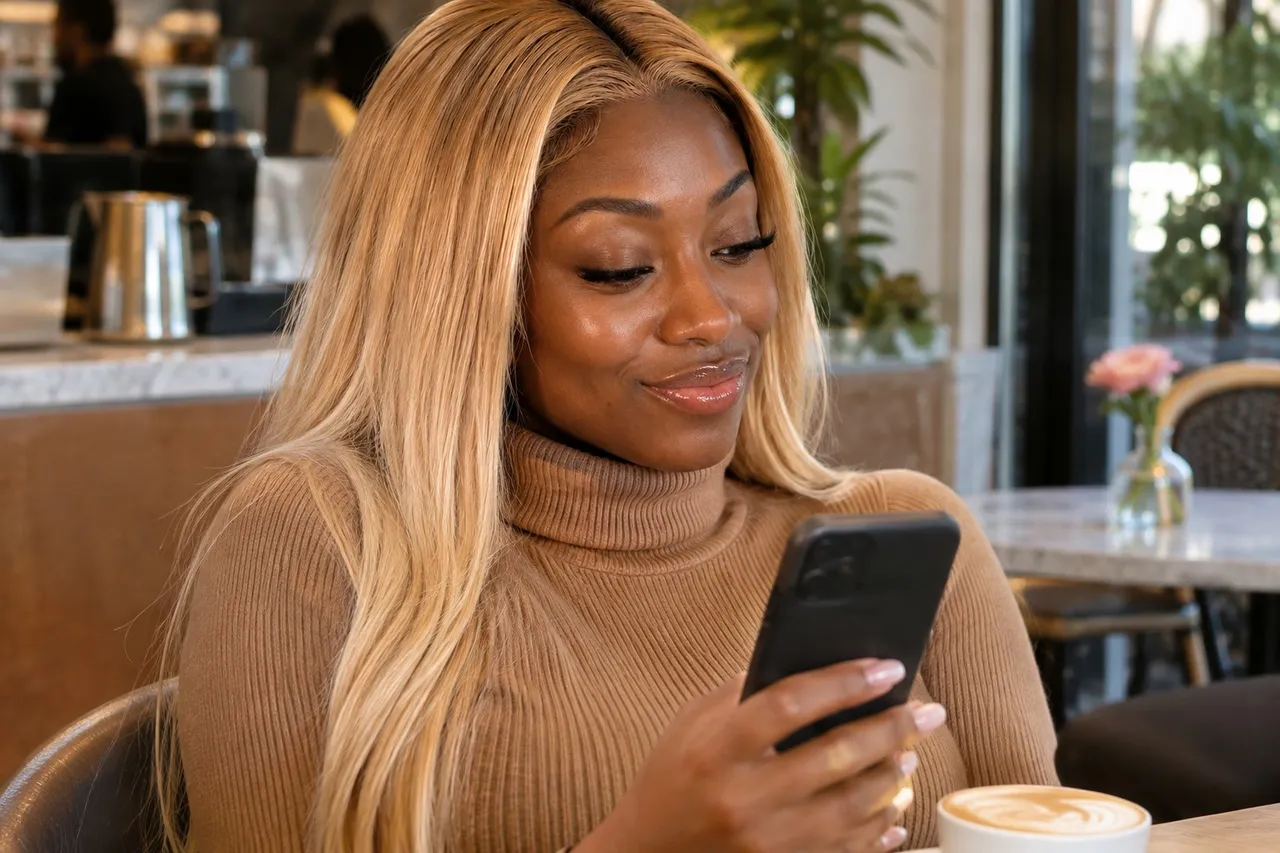
📸 That's Kenya on our cover.
💜01. What do FreeVues notifications tell you?
Our Privacy Policy lists exactly what they're for:
- A creator you saved starting a free trial.
- A creator you saved dropping a promo.
- A creator you saved being featured in a new post.
- The occasional announcement about FreeVues itself.
That's it. They're never used for advertising, never sold, and they don't tell us your name, your email or who you are.
Free trials are the big one. Our free trials guide explains how they work on Fanvue, so you know what to do when that ping arrives.
Fanvue free trials, explained →
One thing to know: these come from us, not from Fanvue. Fanvue has its own alerts. Its help center says that if you add Fanvue to your home screen as a web app, it can notify you about new posts and updates, as long as notifications are allowed in your device settings. The two are separate, so you can have either, both or neither.
💜02. How to turn on notifications
Nothing is stored until you switch them on, and there's no account involved.
Step 1: Save a few creators to My Picks first. Tap the heart on a card, or Save to My Picks on a profile.
How to save your favorite creators →
Step 2: Find a Turn on button. There's one on your My Picks page, under "Get notified about new drops", and one on your quiz match results.
Step 3: Tap it, then allow notifications in your browser's own permission box.
Why save first? When you switch notifications on, we store your saved list as it stands at that moment, so a notification only goes out about someone you actually picked. Saved a bunch of new favorites since? Turn notifications off and on again, and we'll store your list as it is now.
💜03. Do FreeVues notifications work on iPhone?
Yes, with one extra step. On iPhone, add FreeVues to your Home Screen first: open our site in Safari, tap Share, then Add to Home Screen. Open FreeVues from that new icon, and the Turn on button will work. If you've installed our site as an app, you may also see a Turn on notifications prompt inside it.
If notifications are blocked for our site, the toggle tells you so. Turn them back on in your browser or phone settings, then try again.
💜04. What do we store when you turn them on?
One record for that browser. It holds the notification address your browser's push service gives us, the two keys your browser makes so a message can be encrypted to it, a note that you're a fan, and the list of creators you'd saved on that device when you switched on.
We won't pretend that's anonymous. It's a short list of creators you like, attached to one device. But it isn't your name or your email, and it's kept only because you asked for the notifications.
💜05. How do you turn FreeVues notifications off?
Any time, two ways:
- On your My Picks page, tap the turn off button beside "On ✓". That deletes your record straight away.
- Switch notifications off for FreeVues in your browser or device settings. We delete the record the next time a notification can't be delivered.
And if we can't deliver to a subscription for 180 days, it's deleted automatically. No clean-up needed on your end. Our Privacy Policy has every detail, in plain English.
💜06. A ping worth getting
Save your favorites, tap Turn on, and let us tell you when a creator you picked starts a trial or drops a promo. Changed your mind? One tap on My Picks and it's gone. Subscribing still happens on Fanvue, and we never ask fans for a penny.
Quick answers
💬What notifications does FreeVues send fans?
Alerts when a creator you saved starts a free trial, drops a promo or is featured in a new post, plus the occasional FreeVues announcement. They're never used for advertising.
💬How do I turn on FreeVues notifications?
Tap Turn on from your My Picks page or your quiz match results, then allow notifications in your browser. Save some creators first, because alerts cover the creators you'd picked when you switched on.
💬How do I turn off FreeVues notifications?
Tap the toggle on your My Picks page to delete your record straight away, or switch notifications off for FreeVues in your browser or device settings.
💬Do FreeVues notifications work on iPhone?
Yes. Add FreeVues to your Home Screen from Safari's Share menu first, open it from that icon, then turn notifications on.
💬Do I need an account for FreeVues notifications?
No. Fans don't make accounts on FreeVues. We store one record for your browser, with no name or email, only while notifications are on.