

How to Sell Custom Content on Fanvue: A Creator Guide
How Fanvue creators sell custom content: building a custom menu, taking an order step by step, pricing it, delivering on Fanvue and the rules to follow.
To sell custom content on Fanvue, decide what you will and won't make, agree the details, price and delivery time with the fan in your Fanvue chat, then deliver through Fanvue, for example as media with a price attached in a message. Keep every payment on Fanvue, keep it digital, and only promise what you can deliver. Fanvue lists custom content among the things creators earn from.
Customs are where a fan's idea meets your creativity, and they're often the most personal thing you sell. Done well, they're fun to make and fans come back for more. Here's how to run them so everyone knows what they're getting.
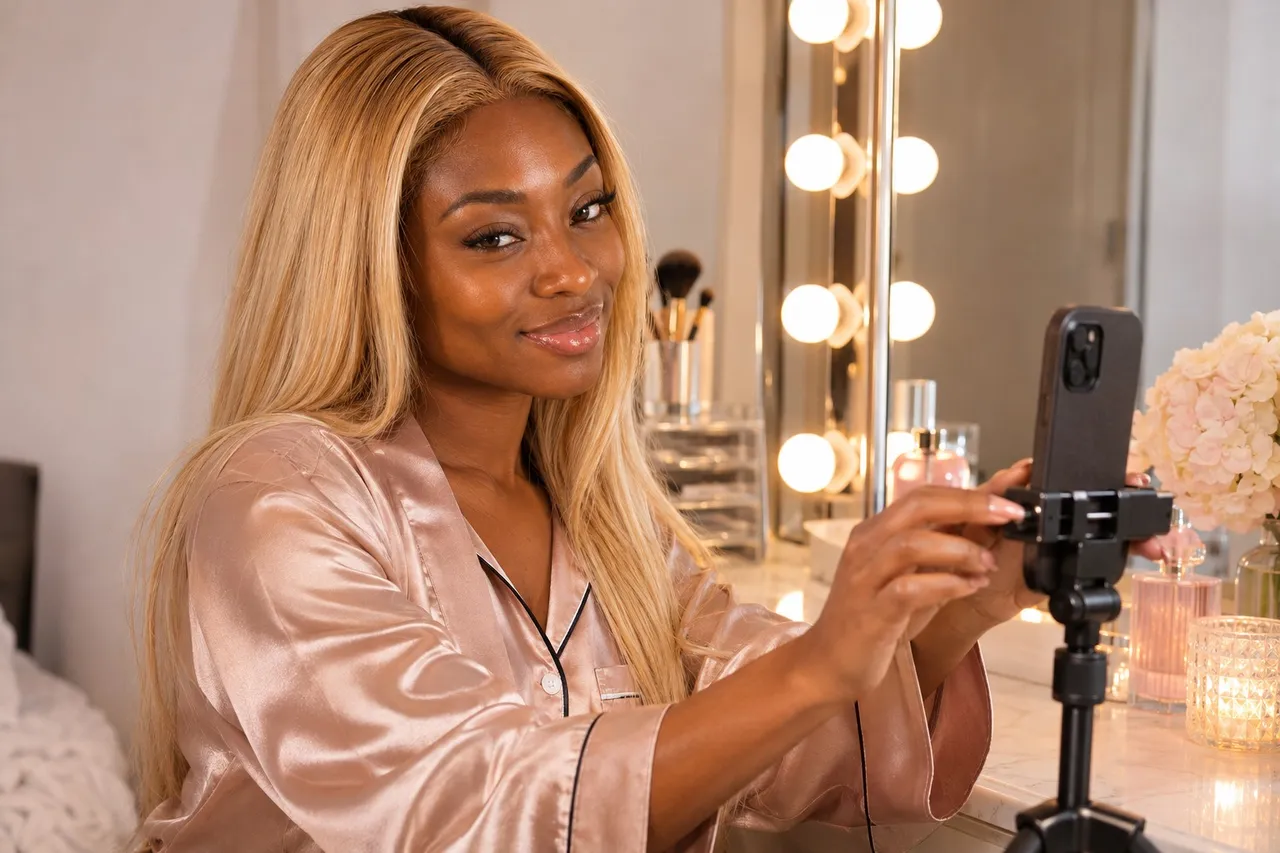
📸 That's Kenya on our cover.
💜01. What is custom content, and what's on my menu?
A custom is a photo, video, audio or message you make to a fan's request, just for them. It isn't part of the subscription. Fanvue's Creator Earnings policy lists custom content alongside tips, subscriptions and paid messages as things creators earn from.
Before the first request lands, write your menu down for yourself:
- What you make: types of photos, video lengths, voice notes, outfits, themes.
- What you don't: your hard limits, so you never have to think about them mid-chat.
- Your turnaround: how long a custom usually takes you.
- Your price for each, so quotes are quick and consistent.
Then tell fans. Fanvue notes that some creators post their availability or response times in their bio, and that's a handy spot to say you take customs, too.
On FreeVues, our vibe quiz asks listed creators what they're best known for, and "customs made to order" is one of the answers. Fans who ask for customs in their own quiz get those creators as a boost in their matches. In October 2026, 54 listed creators picked it.
See creators known for customs →
💜02. How do I take a custom order, step by step?
Step 1: Get the brief in your Fanvue chat. Ask what they're picturing: the kind of piece, the mood, any personal touch.
Step 2: Quote a price and a delivery time, in writing, in the chat.
Step 3: Agree everything before any money moves. Fanvue's refund article asks fans to explain what was agreed if they ever raise a dispute, so a clear record in the chat protects you both.
Step 4: Get paid on Fanvue. The clearest way is media with a price attached in a message, so the payment and the custom sit together. Some creators take a tip first; if you do, confirm in the chat what it's for.
Step 5: Deliver on time, exactly what you agreed. If you'll be late, say so early. It's kinder than going quiet.
💜03. How should I price custom content?
Price your time, not just the file. A custom needs planning, shooting and editing for one person, so it's usually worth more than something you've already made.
Fanvue's PPV guide backs that up in two ways. It says a one-to-one message can support a much higher price than a broadcast, especially with a real connection. And it suggests at least $10 to $15 for your cheapest pay-per-view item, with more for bigger pieces.
Hold your price once you've set it. If a fan pushes for a discount, a friendly "that's my price for everyone" plus a smaller piece they can afford keeps things easy, and keeps your other fans' prices fair.
💜04. What are Fanvue's rules for customs?
- Payments stay on Fanvue. No outside payment links or apps: Fanvue's Terms allow Fanvue Checkout as the only exception, and breaking the rule can cost you your account.
- Customs stay digital. Fanvue doesn't allow physical goods or in-person meetups.
- Everyone in it is verified. Fanvue's rules rule out content featuring anyone who hasn't passed its ID check or doesn't have documented consent.
- Fanvue's content rules apply to anything you sell in messages or as pay-per-view.
- Only promise what you can deliver. If a paid custom isn't delivered, Fanvue's refund article lets the fan raise it within 30 days.
You don't have to say yes to every request. Fanvue reminds creators they can turn down asks, especially unusual ones. A warm no with a suggestion of something you do offer keeps the fan happy.
💜05. The short version
Write your menu, agree every detail in the chat, take payment on Fanvue and deliver what you promised. Customs reward clarity: the clearer you are up front, the more fans trust you with their next idea.
Quick answers
💬Can you sell custom content on Fanvue?
Yes. Fanvue's Creator Earnings policy lists custom content among the things creators earn from, alongside tips, subscriptions and paid messages. Payments must go through Fanvue.
💬How do fans pay for custom content on Fanvue?
On Fanvue only. The clearest way is media with a price attached in a message, so the payment and the custom sit together. If a fan tips first instead, confirm in the chat what the tip is for.
💬How much should I charge for a Fanvue custom?
There's no set price. Fanvue's PPV guide says a one-to-one message can support a much higher price than a broadcast, and suggests at least $10 to $15 for your cheapest pay-per-view item.
💬Can I sell physical custom items on Fanvue?
No. Fanvue is digital-only, so you can't ship physical items or offer in-person meetups.
💬What happens if I don't deliver a paid custom on Fanvue?
The fan can raise it with Fanvue. Its refund article lists an unfulfilled paid custom request as a case fans can raise within 30 days, with details of what was agreed.