

Why You Should Share Your Fanvue Link Every Day
Why posting your link daily matters, what Fanvue's own guide says, and an easy routine with your FreeVues card, Brand Kit and our reshare box.
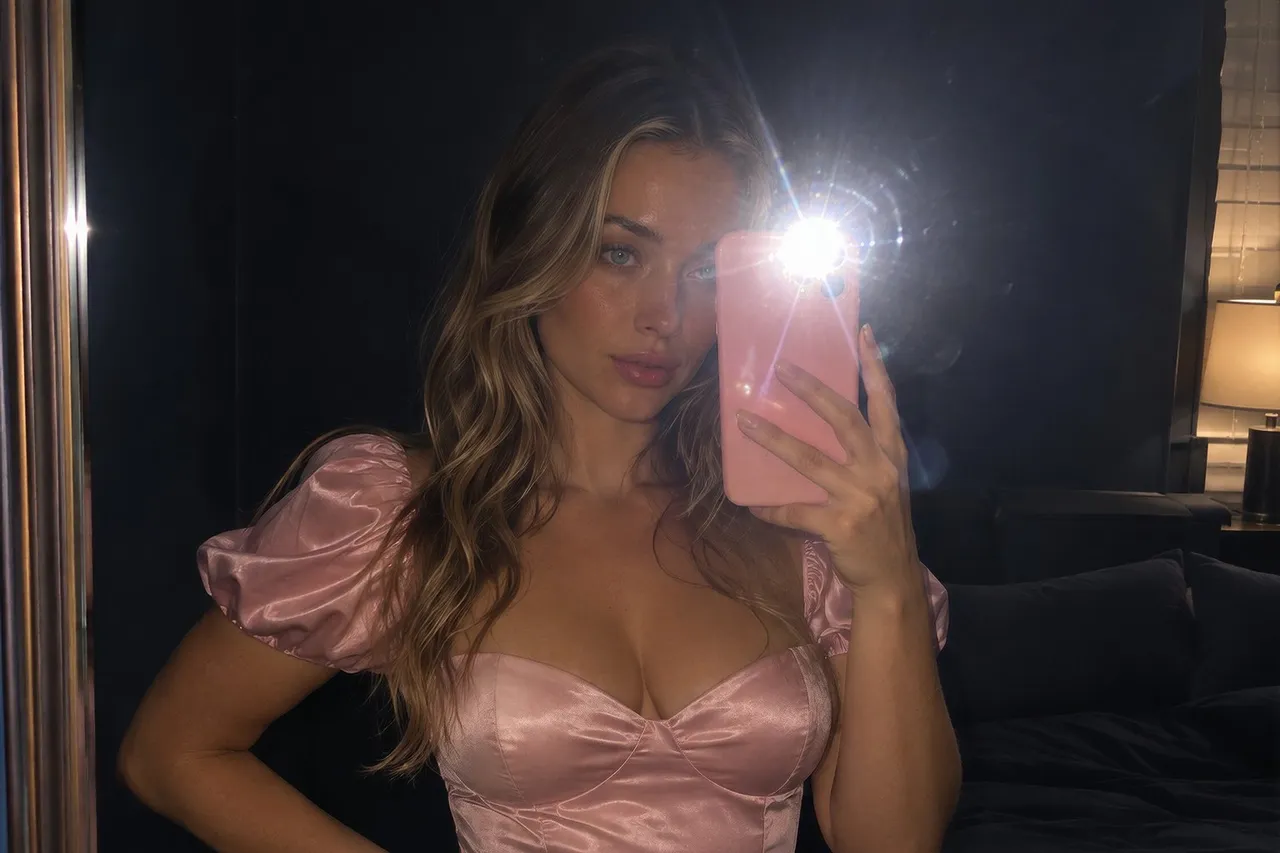
Share your Fanvue link every day because fans can only subscribe to a page they see, and Fanvue's own promotion guide says one post a week isn't enough. Make it easy: post your FreeVues link, which leads to your Fanvue, with a Brand Kit graphic, then paste the post into your dashboard so we can reshare it.
Here's the honest truth about promotion: fans can't subscribe to a page they never see. Your Fanvue link only works when it's out there, in front of people, again and again. The good news? Sharing it every day can take five minutes, and we've built tools that do most of the work for you.
💜01. Why should I share my Fanvue link every day?
Because one post disappears fast. Feeds move quickly, and most of your followers won't see any single post you make. Showing up daily gives more people more chances to notice you, and to tap.
Fanvue says the same thing. Its help center article on promoting your page tells creators to aim for at least a few promotional posts a week. It says one post a week isn't enough to see real results, and that one simple, effective promotion a day can meaningfully move your subscriber count and earnings. (We read it on November 22, 2026.)
The same article adds a warning worth keeping: quality beats quantity, and frequent low-effort posts undermine the good ones. So the goal isn't spam. It's one good post, every day.
More free ways to promote your Fanvue →
💜02. Should I share my FreeVues link or my Fanvue link?
Both work, and they get along. Your FreeVues profile lives at freevues.com/creator/ followed by your Fanvue handle. It shows your card, your niches and a big button straight to your Fanvue page, so a fan who taps it is one tap away from following or subscribing.
Posting your FreeVues link also does a few extra things on our side, which is why we keep nudging you toward it:
- Your daily list counts it. On your dashboard, the 🔁 row "Post with your FreeVues link, then paste it here" ticks when you paste a post that links your FreeVues page.
- It moves you up a public board. Our Most active creators today board ranks everyone who logged in that day, and sharing a post with your FreeVues link counts for a lot there.
- We can reshare it. Paste the post into your dashboard and our brand pages can share it with our followers too.
- It feeds your weekly streak. A week where you log in and do something useful, like sharing a post, counts toward your weekly active streak, which earns free Gems.
Where an app doesn't allow adult links, keep your Fanvue link in your link-in-bio and put your FreeVues card right next to it.
💜03. Where should I post my link?
Wherever your fans already hang out, following each app's rules. Fanvue's promotion guide says X and Reddit allow adult content, while Instagram, TikTok and YouTube don't. On those, it suggests a link-in-bio tool so your link stays easy to find without risking your account.
- X and Bluesky: post your link with a teaser and a reason to tap. These are the two we reshare from our own accounts within a day.
- Pinterest: pin a safe-for-work Brand Kit graphic with your FreeVues link. We reshare Pinterest posts by hand.
- Instagram Stories: keep the picture safe-for-work and point people to the link in your bio. Check Instagram's current rules first.
- Your link-in-bio: your Fanvue link first, your FreeVues card right under it.
💜04. How do I make daily sharing easy?
Open your FreeVues dashboard and use what's already built for you:
- Copy my link. The Quick actions card has a button that copies your FreeVues profile link in one tap.
- Brand Kit. Ready-to-post graphics with your photo, built from your listing: a square post, a vertical Story, a landscape banner and a link sticker for Stories. Each comes with a caption to copy for each platform.
- Your link, one per platform. In Analytics, under Social Growth, you get a tagged version of your link for each platform you've added, so your dashboard can tell which one sent the clicks.
- The reshare box. After you post, paste the link to your post into the 🔁 row and tap "🔁 Feature me".
Then batch your week. Fanvue's guide suggests planning content in bulk so you can post consistently without losing quality. Pick seven teasers on Sunday, and every day after that is just copy, paste, post.
Get our weekly X posting plan →
💜05. What does a good daily post look like?
Short, safe for the app you're on, and with one clear reason to tap. A few ideas you can steal:
- "New photo on my card today 👀 Come say hi."
- "Find me by my niche on FreeVues 💜, or take the quiz and see if we match."
- "Free trial running this week. Details on my card." (Only if you really have one.)
- "Which of my tags fits me best? Wrong answers only 😈"
Change the picture and the line every day. Same link, fresh reason. Fans who scroll past on Monday might tap on Thursday, because Thursday's post was the one that caught them.
💜06. How do I know if it's working?
Check your numbers once a day. Your dashboard's daily list has a row for it, "Read yesterday's clicks & crushes", and it takes about 30 seconds. Add your FreeVues tracking link on Fanvue too, and the clicks and subscribers we send also show up in Fanvue's own dashboard.
Look for the post that moved something, then do more of that. If X keeps sending clicks and another app never does, you've just learned where your fans are.
How Fanvue tracking links work →
💜07. Can other creators help me get seen?
Yes, and Fanvue's guide recommends it: follow and engage with creators in your niche, and look for cross-promotion. On ShareYourFans®, the collaboration platform I co-founded before I founded FreeVues, free to join, creators swap shoutouts with each other and track every click.
💜08. The short version
Post your link every day, one good post at a time. Use your FreeVues link where the app allows it, keep your Fanvue link in your link-in-bio, grab a Brand Kit graphic, and paste each post into your dashboard so we can reshare it. Check your clicks the next morning, and keep what works.
Quick answers
💬Why should I share my Fanvue link every day?
Because fans can only subscribe to a page they see. Fanvue's own promotion guide says one post a week isn't enough to see real results, and that one simple, effective promotion a day can meaningfully move your subscriber count.
💬Should I share my FreeVues link or my Fanvue link?
Both lead fans to your Fanvue page. A post with your FreeVues link also ticks your dashboard's daily list, counts on our Most active creators today board, and can be reshared by our brand pages once you paste it in.
💬Where do I find my FreeVues link?
It's freevues.com/creator/ followed by your Fanvue handle. The Copy my link button on your FreeVues dashboard copies it in one tap.
💬Can I share my link on Instagram?
Fanvue's guide says Instagram doesn't allow adult content and suggests a link-in-bio tool. Keep your links in your link-in-bio, keep Stories safe-for-work and check Instagram's current rules.
💬Won't posting every day annoy my followers?
Not if each post is worth seeing. Fanvue's guide warns that frequent low-effort posts undermine the good ones, so post one good thing a day and change the picture and the line each time.