

Fanvue Video Tips for New Creators
New to filming for Fanvue? Easy tips on framing, light, sound, length, teasers and Fanvue's upload limits, all with the phone you already own.
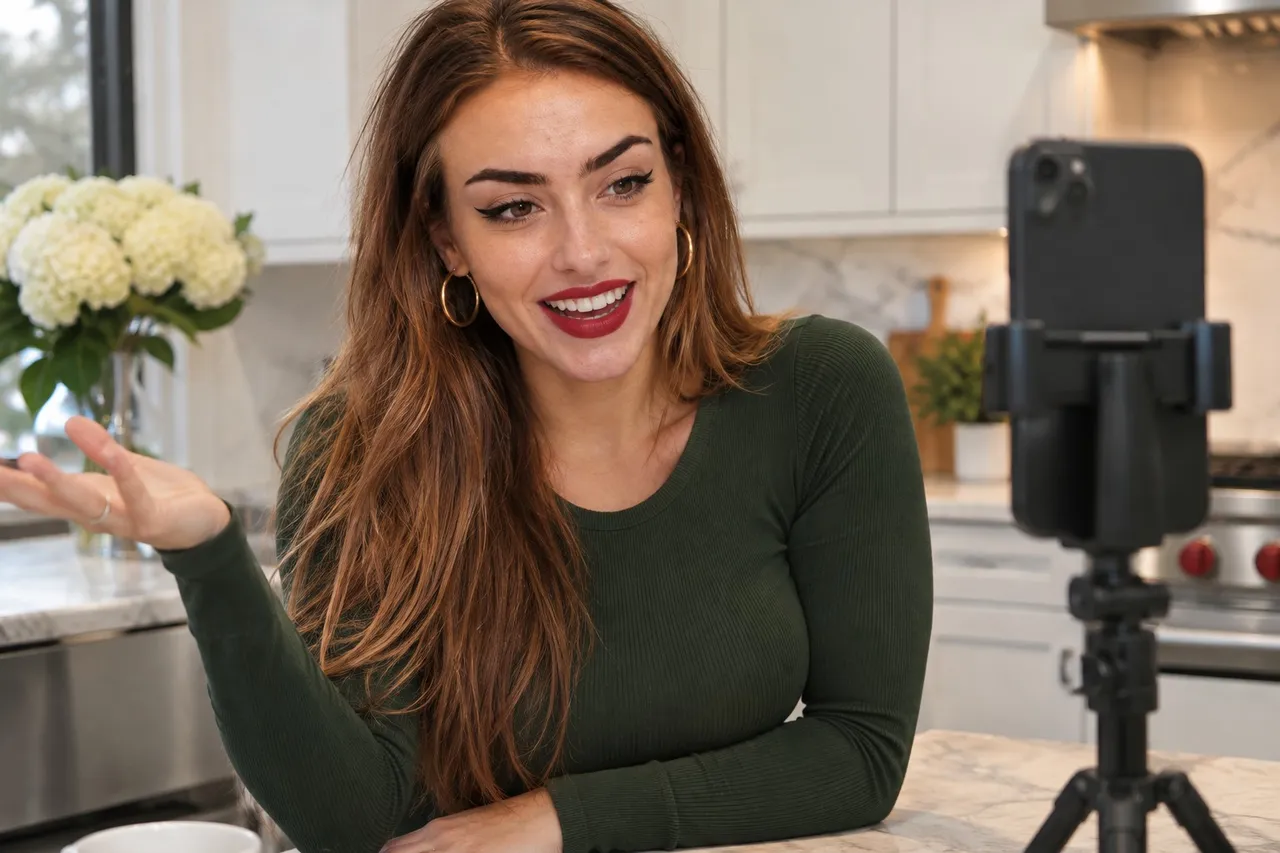
Good Fanvue videos start with a steady phone, soft light and clear sound. Shoot on a tripod near a window, record in a quiet room with the phone close, keep clips short and plan a teaser for every paid video. Fanvue's help center says videos can be up to 1.5 GiB and 1440p, and larger files are resized automatically.
Video can feel scarier than photos: you're moving, talking and wondering what to do with your hands. Relax. A few simple habits make a huge difference, and none of them need new gear.
📸 That's Kinsley on our cover.
💜01. What size videos can I upload to Fanvue?
Fanvue's profile setup article lists a maximum video file size of 1.5 GiB and a maximum video resolution of 1440p. It says content over those limits is resized automatically. Fanvue's help center doesn't list a maximum video length, so if a long file gives you trouble, check with Fanvue support.
In practice, that means you don't need to shoot in your phone's highest 4K setting for everything. Recording at 1080p or 1440p keeps files manageable and still looks crisp.
💜02. How do I make my videos look better?
- Steady the phone. A cheap tripod, or a stack of books, beats handheld every time.
- Use the back camera when you can, and check framing with a quick test clip.
- Face a window or put a soft lamp slightly above you and to one side.
- Clean the lens and lock focus and exposure by pressing and holding on the screen, where your phone supports it.
- Clear the background of clutter and anything personal.
Pick one orientation per set and stick with it. Vertical works well for clips you'll also cut into social teasers. Horizontal suits longer, cinematic videos. Mixing both in one set looks unplanned.
Move slowly. Fast movement blurs on phone cameras, especially indoors. Slower, deliberate motion looks more confident on screen, too.
Edit lightly. Trim the fumbling start and end, cut any awkward pauses and keep the best take. Your phone's built-in editor can trim clips. If you use a separate editing app, read its content rules first: CapCut's community guidelines, for one, say it doesn't allow depictions of nudity or sexual activity, including edited ones. Keep explicit edits to tools that work on your own device.
💜03. How do I get good sound on my phone?
Sound is where most home videos fall down, and fans notice it more than you'd think. Record in the quietest room you have, with soft furnishings like curtains, a bed or a rug to cut echo. Switch off fans, the washing machine and notifications.
Keep the phone's microphone reasonably close to you when you're talking. If you speak to camera a lot, a small clip-on microphone that plugs into your phone is a worthwhile upgrade. Do a 10-second test and listen back with headphones before you film the whole thing.
💜04. How long should my Fanvue videos be?
We couldn't find a length rule for posts in Fanvue's help center, so think about what each video is for. Short clips keep your feed lively. Longer videos suit paid drops where fans expect more.
Plan a teaser for every paid video. Fanvue's August 2026 guide to pay-per-view recommends a preview with each drop, like a blurred thumbnail or a partial image, and says drops with no preview sell far worse. Grab a safe-for-work moment from each shoot to use as your preview and social teaser. Our PPV pricing guide covers what to charge for the full video.
Read our Fanvue PPV pricing guide →
Your intro video has its own rules. Fanvue's profile guide says to keep it under 30 seconds with no nudity, and its Acceptable Use Policy says an intro video should feature only you. Our intro video guide covers it in detail.
Read our Fanvue intro video guide →
💜05. Make your Fanvue profile work twice
A polished Fanvue profile also pays off on FreeVues, our free directory of Fanvue creators. Your card there is built from that profile and refreshes from Fanvue daily, so a better photo or bio on Fanvue becomes a better card with us. Getting listed costs nothing.
List yourself free on FreeVues →
💜06. Steady, bright, clear
Steady phone, soft light, quiet room, short clips and a teaser for every paid video. Film a few practice takes for your eyes only, and you'll be amazed how fast you relax on camera.
Quick answers
💬What is the maximum video size on Fanvue?
Fanvue's help center lists a maximum video file size of 1.5 GiB and a maximum resolution of 1440p, and says larger content is resized automatically.
💬How long can a Fanvue video be?
Fanvue's help center doesn't list a maximum video length. Its upload limits are about file size and resolution, so contact Fanvue support if a long file won't upload.
💬How do I film good videos on my phone?
Use a tripod, face a window or soft lamp, clean the lens and lock focus. Record in a quiet room with the phone close to you, and do a short test clip first.
💬How long should a Fanvue intro video be?
Fanvue's profile guide says under 30 seconds, with no nudity. Its Acceptable Use Policy says the intro video should feature only you.
💬Should my Fanvue videos be vertical or horizontal?
Either works. Pick one per set: vertical suits clips you'll reuse as social teasers, and horizontal suits longer videos.