

Get a Free Blog Post About Your Fanvue Page (FreeVues)
How Fanvue creators get a FreeVues spotlight blog post: the short form, what goes in it, what you approve, and where the finished article shows up.
Every free listing on FreeVues, our free directory of Fanvue creators, includes one SEO blog post written about you, once. You answer a short form in your dashboard, we write the article from your answers, you approve it, and we publish it in our Creator Spotlights. It then shows on your FreeVues profile. Our optional paid plans for creators are on the Pricing page.
Imagine a whole article about you, written for fans who are searching for exactly your vibe. That's a FreeVues spotlight post, and your free listing comes with one. Here's how to get it, and how to make it sound like you.
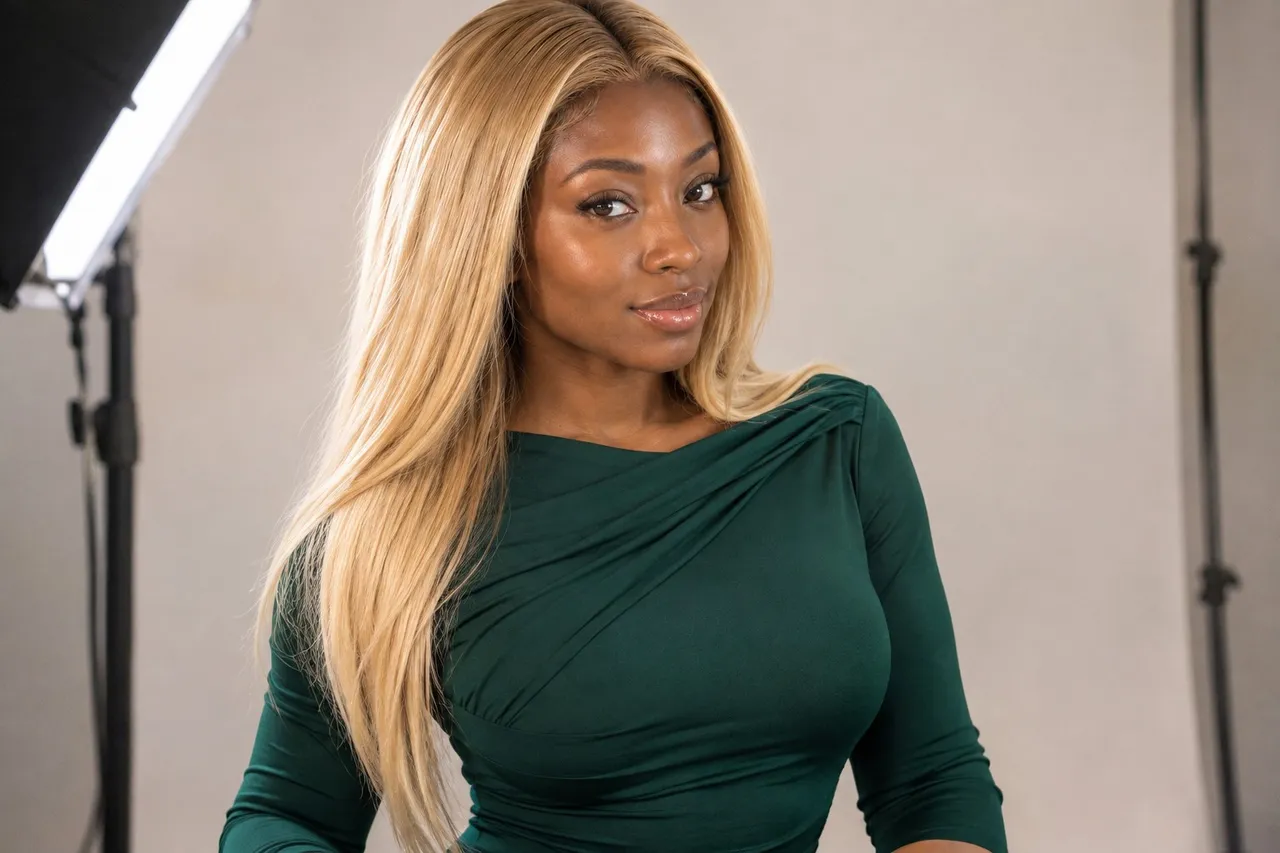
📸 That's Kenya on our cover.
💜01. What is a FreeVues spotlight post?
It's an SEO blog post about one creator, published on the FreeVues blog under Creator Spotlights. It introduces you to fans the way a friend would: what your page is like, what fans get when they subscribe, and who you're perfect for.
Every spotlight links to your FreeVues page, and from there fans are one tap from your Fanvue page. Once it's live, it also appears on your FreeVues profile in a "From the blog" section, so fans who find your card can read more about you.
Why bother? Because fans search. A spotlight is a whole page built around your name and your niche, which gives search engines something more about you to find than a single card.
💜02. How do I get a spotlight post written about me?
Step 1: Get listed. Sign in with Fanvue and approve FreeVues on Fanvue's own screen; your card fills itself in from your Fanvue profile.
Step 2: Open the blog post section of your FreeVues dashboard and answer the short form. Give it ten minutes, not two: the more detail you share, the less generic the article.
Step 3: We write the article from your answers.
Step 4: You read it and approve it. Nothing goes live until you say yes.
Step 5: We publish it, and it shows up in Creator Spotlights and on your profile.
💜03. Is a FreeVues spotlight post free?
Yes, your first one. Our Pricing page lists one SEO blog post, once, as part of the free listing. It isn't a trial, and your listing stays free either way.
Our optional paid plans for creators are on the Pricing page.
💜04. What should I put in my answers?
Your answers are the raw material, so the better they are, the more the article sounds like you. Our published spotlights lean on creators' own words: their vibe in a few words, what makes them different, what they love about creating, and the kind of fan they click with.
- Be specific. "Soft glam, late-night chats and custom audio" tells a fan more than "fun and sexy".
- Say what fans actually get: photos, videos, customs, chat, roleplay, whatever is truly on your page.
- Share a little off-screen life if you're comfortable. Fans like knowing there's a real personality behind the page.
- Describe your ideal fan. It helps the right people recognize themselves.
- Skip anything you'd rather keep private. Only share what you'd be happy to see in public.
💜05. What will the article say, and what won't it?
We write from your answers, and we don't invent quotes, numbers or claims for you. Our spotlights stick to the same honesty rules as the rest of FreeVues: no made-up stats, ratings or discounts.
It's written for a public blog, in our warm, flirty voice, so the link is one you can share anywhere your fans already follow you.
- Add it to your link-in-bio page, right next to your Fanvue link, so a curious visitor can read about you before they subscribe.
- Send it when a fan asks what your page is like. It answers that question better than a one-line reply.
- Keep your Fanvue profile current. The article links to your FreeVues card, and your card's photo, bio and price come from Fanvue.
- Add a Fanvue tracking link named "FreeVues" in your FreeVues dashboard, or let us create it for you, so fans who reach you through the article show up in your Fanvue stats.
Pick a link-in-bio for Fanvue →
You stay in control at the approval step. If something doesn't sound like you, say so before it's published.
💜06. The short version
Get listed, fill in the blog post form with real, specific answers, approve the draft, and share the link once it's live. One good spotlight works for you every time a fan searches for your vibe.
Quick answers
💬How do I get featured on the FreeVues blog?
List free on FreeVues, then answer the short blog post form in your dashboard. FreeVues writes the article from your answers, you approve it, and it's published in Creator Spotlights.
💬Is a FreeVues spotlight blog post free?
Yes. The FreeVues Pricing page lists one SEO blog post, once, as part of the free listing. Optional paid plans for creators are on the same page.
💬Do I get to approve my FreeVues spotlight before it goes live?
Yes. FreeVues writes the article from your answers and publishes it only after you approve it.
💬Where does my FreeVues spotlight post appear?
It's published on the FreeVues blog under Creator Spotlights and also shows in a "From the blog" section on your FreeVues profile.
💬Will FreeVues make up details in my spotlight?
No. The article is written from your own answers, and we don't invent quotes, stats, ratings or discounts.