

Fanvue Creator Safety: Avoid Doxxing, Protect Privacy
How Fanvue creators can prevent doxxing: separate identities, photo metadata, background checks, 2FA and what to do if someone threatens to expose you.
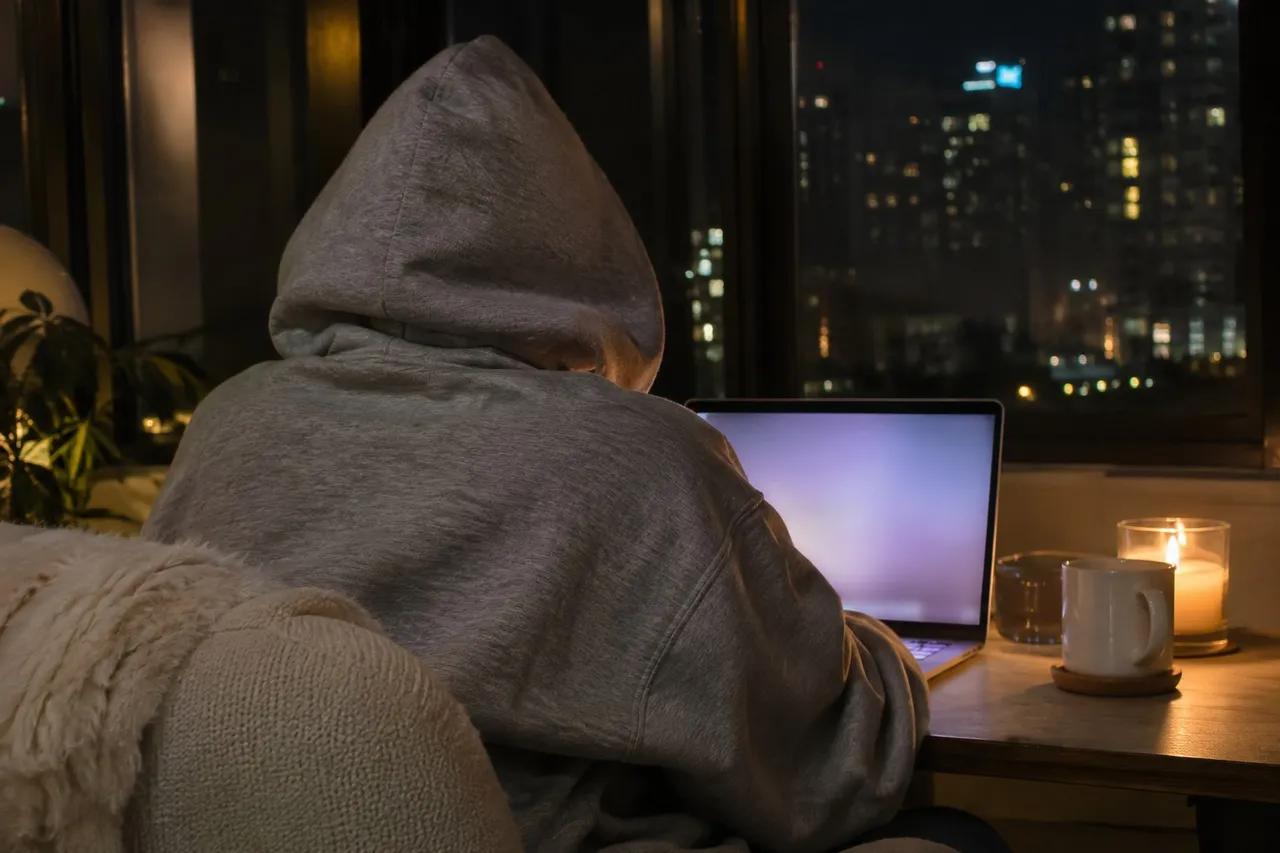
To protect yourself from doxxing as a Fanvue creator, keep your creator identity separate from your real one: a stage name, its own email and phone number, usernames you don't use anywhere else, and photos with no location data or identifying backgrounds. Turn on two-factor authentication, and report anyone who threatens to expose you. Fanvue's Community Guidelines ban doxxing.
Doxxing is when someone digs up and shares your real name, address or other private details without your consent. Most of it starts from small clues creators leave without noticing. The good news: most of those clues are easy to close.
This guide is about your life outside Fanvue. For the settings inside your account, like geo-blocking and discoverability, read our Fanvue privacy settings guide. For stolen content, our Fanvue leaks guide covers takedowns.
Read our Fanvue privacy settings guide →
💜01. What does Fanvue say about doxxing?
Fanvue's Community Guidelines say users must not publish personal or private information about others without their explicit consent. They also name attempts to dox users, or to reveal identifying metadata hidden in shared files, and describe a zero-tolerance policy on abusive behavior.
If a fan crosses that line, Fanvue's help center says you can report them from the three-dot menu on their profile and block them from their profile or your chat. It says its safeguarding team reviews reports within 24 hours, and it encourages blocking anyone who breaks its guidelines, even if they've paid you.
💜02. Keep your creator identity separate and locked
Keep your two lives on separate rails. Fanvue's help center says you can sign up with a stage name and an email that isn't linked to your real identity. Your ID and selfie stay confidential and never show on your profile.
- Choose a stage name that has never been your nickname, gamer tag or old username.
- Use a dedicated email, and a separate phone number if a platform asks for one.
- Don't follow your personal accounts from your creator accounts, or the reverse.
- Use different profile photos for your creator and personal accounts.
- Keep birthdays, pets' names, your hometown and your job out of your bio and chats.
Search your stage name and your creator photos now and then, using a search engine's image search, to see where they turn up and whether anything links back to the real you.
Fanvue's help center says you can turn on two-factor authentication under Settings, Account, then Password & Security. If you signed up with Google or X, you'll need to set a password first. Use a unique password for every platform, ideally from a password manager.
Never share your login with a fan, a friend or an unofficial helper. If you need help running your page, our guide to Fanvue manager accounts explains how to share access safely.
💜03. Can people find my location from my photos?
They can try. Many phones save location data inside each photo, and that's the kind of hidden metadata Fanvue's guidelines mention. Check your phone's camera settings and turn off location tagging for photos, and look for the option to remove location when you share or export a file.
Then check what the picture itself shows. Mail and package labels, a distinctive view out the window, local landmarks, a work uniform, school logos, house numbers and reflections in mirrors or dark screens all give clues. Shooting in one cleared corner of your home makes this much easier.
💜04. What do I do if someone threatens to dox me?
Don't engage or negotiate. Screenshot everything, including usernames, dates and messages, then report and block the account on Fanvue and on whichever platform it happened. If you feel unsafe or someone threatens you, contact your local police, and consider talking to a qualified legal professional about your options.
💜05. How FreeVues handles your details
FreeVues, our free directory of Fanvue creators, shows only your public Fanvue info plus what you choose to add. Your location is optional: leave your country on "Prefer not to say" and you won't appear on any location page. If someone lists a fake profile pretending to be you, use our Report a Listing page, and you can remove your own listing anytime.
Report a listing on FreeVues →
💜06. Small habits, big protection
Separate identities, clean photos, strong logins and a plan if things go wrong. None of it takes long, and together they make you much harder to find. Your safety always comes before any post.
Quick answers
💬How do I stop people from doxxing me as a creator?
Keep your creator identity separate: a stage name, its own email and phone number, unique usernames and different photos from your personal accounts. Remove location data from photos and check backgrounds for clues.
💬Does Fanvue allow doxxing?
No. Fanvue's Community Guidelines say users must not publish personal or private information about others without their explicit consent, and name attempts to dox users as abuse.
💬Can someone find my address from my photos?
Location data saved in a photo or details in the background can give clues. Turn off location tagging in your camera settings and keep mail, views and landmarks out of frame.
💬What should I do if a fan threatens to expose me?
Don't engage. Screenshot everything, then report and block them on Fanvue. Fanvue says its safeguarding team reviews reports within 24 hours. If you feel unsafe, contact your local police.
💬Does FreeVues show my location?
Only if you choose to add it. Leave your country on Prefer not to say and you won't appear on any FreeVues location page.